Microsoft Office is no longer just Word, Excel, and PowerPoint; it’s a strategic decision between two distinct models: Microsoft 365 Apps, the subscription-based suite, and Office 2024, the standalone version with a perpetual license.
Whether you’re a business evaluating ROI or a home user trying to avoid subscriptions, understanding the cloud vs offline Office debate is essential. This post breaks down both options in terms of feature updates, collaboration tools, and 5-year total cost of ownership (TCO), so you can make the right long-term choice.
Understanding the Models
Microsoft 365 Apps (Subscription-Based)
Microsoft 365 is a cloud-powered service that includes Office apps (Word, Excel, PowerPoint, Outlook, etc.) plus cloud services like OneDrive and Microsoft Teams. You pay a monthly or annual fee for continued access and updates.
Popular plans include:
Office 2024 (Perpetual License)
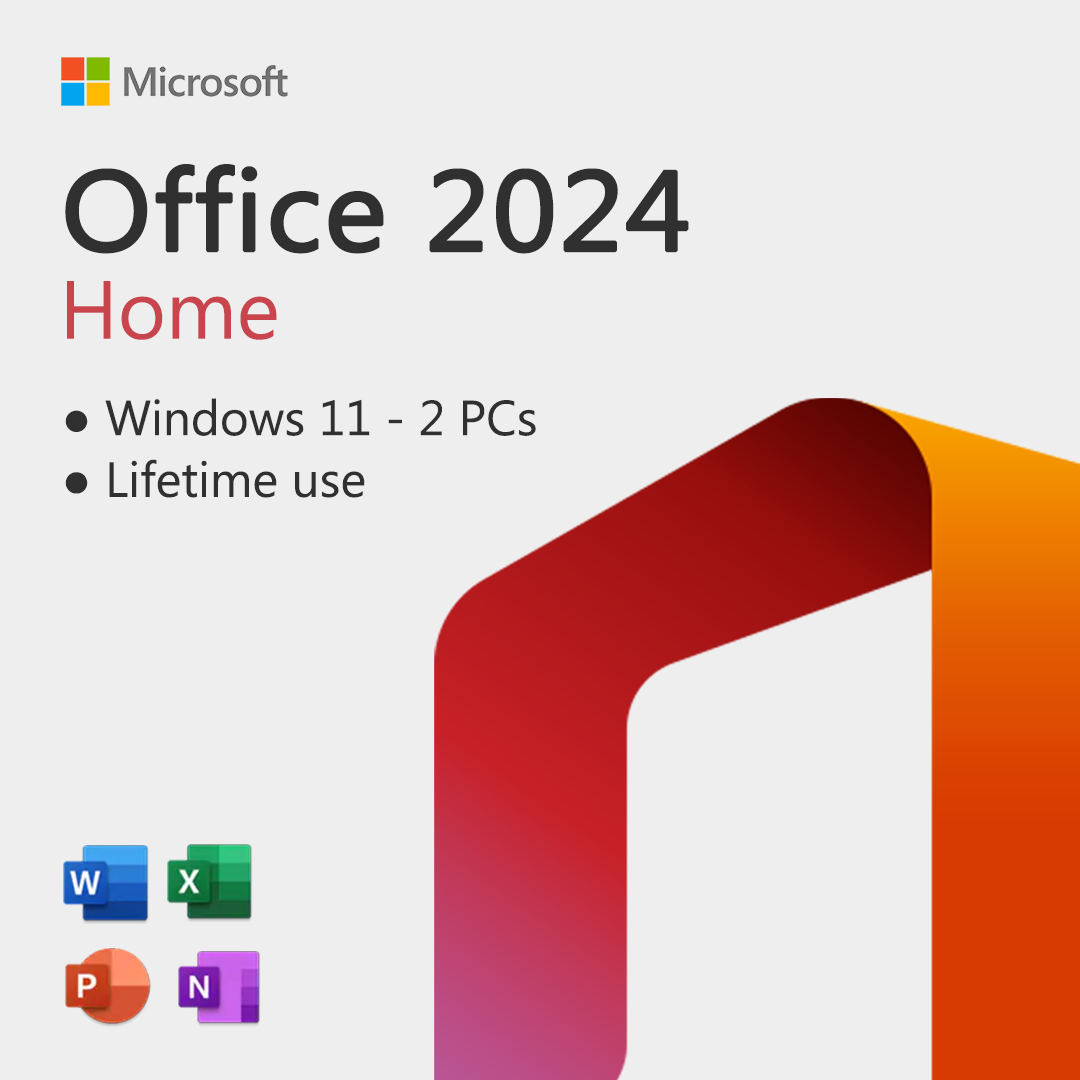
Office 2024 is a one-time purchase for a single device. You own the license indefinitely, but you don’t receive new features after your initial purchase, only critical security updates.
Expected pricing (based on Office 2021 trends):
Feature Updates: Innovation vs. Stability
Microsoft 365: Always Up-to-Date
Microsoft 365 subscribers receive real-time updates to apps. This includes new Excel functions, AI-powered tools like Copilot, cloud integrations, and design improvements.
Examples of recent Microsoft 365-only features:
- Loop Components in Teams and Outlook
- AI features in Word and Excel (Copilot)
- PowerPoint Presenter Coach
- Cloud Save and AutoSave
If innovation and cutting-edge tools matter to you, Microsoft 365 wins this round.
Office 2024: Fixed Features, No New Innovations
Office 2024 provides a reliable, offline-first experience but no feature updates post-release. You get what you pay for, and that doesn’t change over time.
This model suits users who:
- Need stability
- Work in air-gapped or offline environments
- Don’t need frequent updates
Great for long-term offline use, but potentially outdated within a few years.
Collaboration and Cloud Capabilities
Microsoft 365: Built for Teamwork
If collaboration is essential, Microsoft 365 dominates. Features include:
- Real-time co-authoring in Word, Excel, and PowerPoint
- OneDrive integration with auto-save
- Microsoft Teamsfor messaging, video calls, and project planning
- Version history and activity tracking across cloud files
Teams, SharePoint, and other tools make Microsoft 365 a true digital workplace.
Office 2024: Limited to Local Files
Office 2024 is an offline-first product. You can still email files or use a separate OneDrive account, but:
- No real-time co-authoring
- No Teams integration
- Manual saving and version control
It works, but it’s not designed for modern collaboration.
Device and User Flexibility
Microsoft 365’s device flexibility is ideal for remote workers, frequent travelers, or families with multiple devices. Office 2024 is best for single users with fixed desktop setups.
5-Year Total Cost of Ownership (TCO)
Let’s compare 5-year ownership costs, a critical metric in long-term software decisions.
- Microsoft 365 costs more over time, but includes cloud storage, Teams, AI, and updates.
- Office 2024 is cheaper, but the price of missing out on future features and cloud tools can add up, especially for businesses.
If your needs are static and offline, Office 2024 is cheaper. If you want growth, updates, and collaboration, Microsoft 365 offers greater long-term value.
Security and Compliance
Microsoft 365
- Regular security patches
- Enterprise-grade compliance (GDPR, ISO, etc.)
- Advanced threat protection, especially in E3/E5 plans
- Built-in DLP (Data Loss Prevention)
Office 2024
- Receives security updates, but no feature patches
- Not cloud-managed, security depends on OS and local tools
Microsoft 365 provides stronger and evolving security, vital for regulated industries and remote workforces.
Offline Access and Control
If your business has strict data sovereignty, limited internet access, or security policies that prohibit cloud storage:
- Office 2024 gives you full control over installation, usage, and data.
- Microsoft 365 requires periodic online verification and encourages cloud usage, though offline mode is available for core functions.
In offline-first environments, Office 2024 is the practical option.
Which One is Right for You?
Final Thoughts
If you’re looking for a modern, collaborative, and always-updated solution, Microsoft 365 is the way to go. But if you need a budget-friendly, offline, and stable suite; Office 2024 with a perpetual license offers a one-and-done investment.
Before choosing, ask: Do I want the latest features and seamless cloud access or long-term savings with a standalone experience?
Whether you prefer the flexibility of the cloud or the simplicity of a one-time purchase, we’ve got you covered.