Get an Office 2024 license key for home, business, office, and professional productivity. Choose from Home, Home & Business, Standard, and Professional Plus editions with Retail, Binding, MAK, and LTSC license options. Ideal for users who want classic Office apps, secure activation, and a one-time software purchase without monthly subscription management.
Office 2024 is built for users who want the classic Microsoft Office desktop experience for documents, spreadsheets, presentations, email, notes, and business productivity. It is a strong choice for students, home users, professionals, small businesses, and organizations that need familiar Office applications with a clear product key activation process.
Unlike subscription-based plans, Office 2024 is sold as a one-time purchase for one computer, making it a practical option for customers who want to buy once, activate, and use the installed Office apps on their device. Microsoft lists Office 2024 as a one-time purchase and confirms that Office Home 2024 and Office Home & Business 2024 are available as standalone Office products.
At our store, you can buy Office 2024 product keys for Home, Home & Business, Standard, and Professional Plus editions. Whether you need simple Office tools for personal tasks, Outlook for business email, or a more complete suite for professional and organizational use, you can choose the edition and license type that matches your needs.
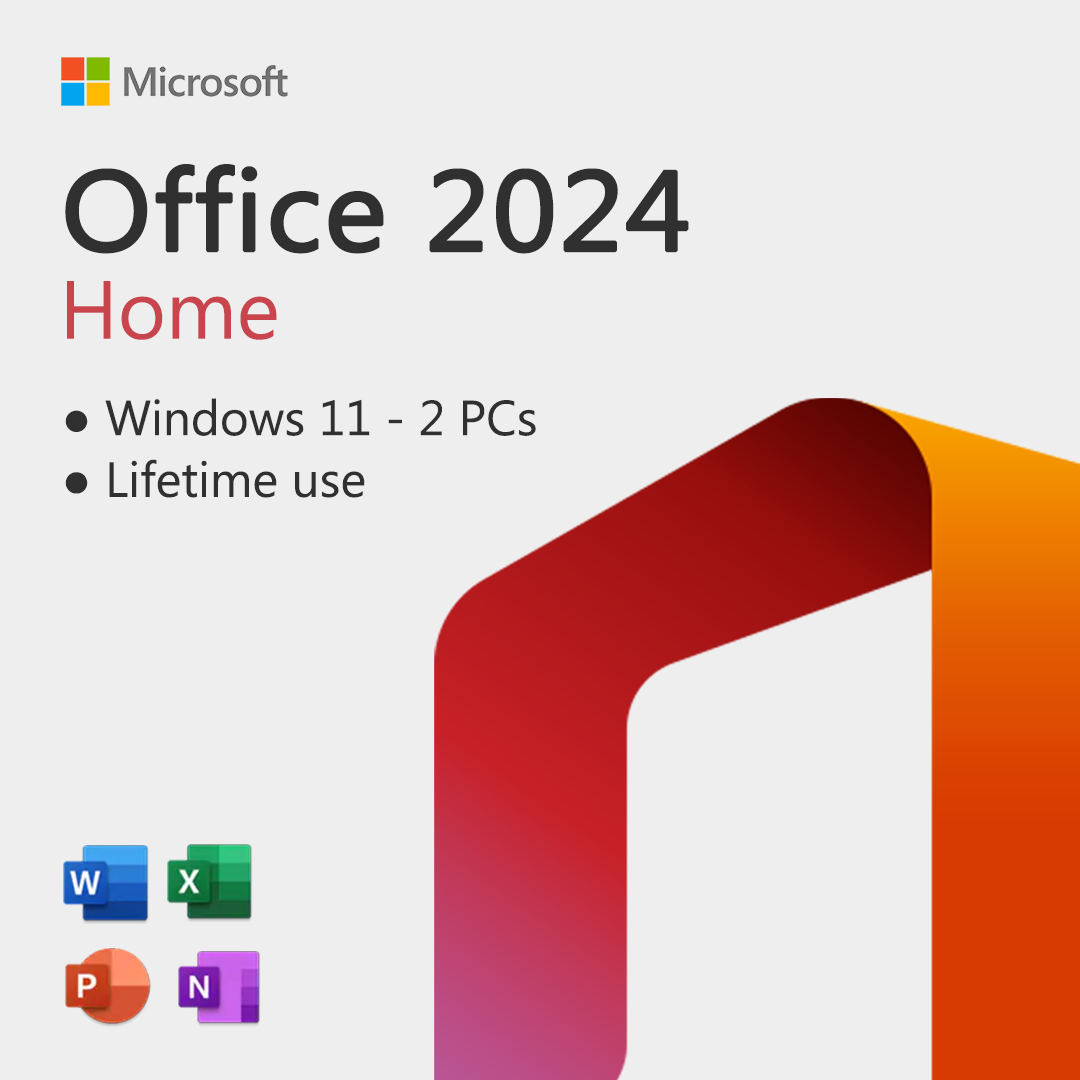
Office 2024 Home is the essential edition for users who need the main Office apps for everyday productivity. It is suitable for writing documents, creating spreadsheets, preparing presentations, and organizing notes.
Microsoft lists Office Home 2024 with classic apps including Word, Excel, PowerPoint, and OneNote for one PC or Mac.
Best for:
Home users, students, families, personal projects, schoolwork, household documents, basic spreadsheets, and presentations.
Choose Office 2024 Home if you need the core Office applications and do not require Outlook or advanced business tools.
Office 2024 Home & Business is the better choice when you need the classic Office apps plus Outlook for email and calendar management. It is designed for users who work from home, manage a small business, or need Office for both personal and professional tasks.
Microsoft lists Office Home & Business 2024 with Word, Excel, PowerPoint, Outlook, and OneNote for one PC or Mac, for home or work use.
Best for:
Small business owners, freelancers, consultants, remote workers, professionals, and users who need Outlook with their Office package.
Choose Office 2024 Home & Business if email, calendar, and business communication are part of your daily workflow.
Office 2024 Standard is a business-focused edition made for organizations and professional users who need a stable Office suite for daily productivity, document handling, presentations, spreadsheets, notes, and communication.
Best for:
Businesses, office teams, administrative departments, schools, organizations, and users who need a reliable Office edition for work environments.
Choose Office 2024 Standard if you need a professional Office package for business use without the extra advanced tools included in Professional Plus.
Office 2024 Professional Plus is the most complete edition in this category. It is built for professional users, businesses, and organizations that need a broader set of Office desktop applications and stronger deployment flexibility.
Office LTSC Professional Plus 2024 includes Access, Excel, OneNote, Outlook, PowerPoint, and Word, with Skype for Business available as an optional install during setup.
Best for:
Power users, companies, IT departments, advanced business users, database work, office administration, and professional environments that need the most complete Office 2024 suite.
Choose Office 2024 Professional Plus if you want the widest Office 2024 application set and need tools beyond the standard document, spreadsheet, presentation, and email workflow.
An Office 2024 Retail license is a convenient option for customers who want a direct product key for installation and activation. It is suitable for personal users, professionals, and small businesses that need a simple purchase process and a clear activation key.
Retail is a good choice when you want to buy Office 2024, activate it on your device, and start using the included apps without complex deployment requirements.
An Office 2024 Binding license is designed for customers who want their activation linked through the supported activation method, such as an account or device-based activation process depending on the product setup.
Binding licenses are useful when you want a clean activation experience and a license option that feels more connected to your long-term device or account use.
A MAK license, or Multiple Activation Key, is made for volume-style activation scenarios. It is commonly used by businesses, IT technicians, and organizations that need to activate Office on several devices with controlled license management.
Microsoft confirms that volume licensed versions of Office can use Multiple Activation Key activation.
Choose MAK if you are buying for a business environment, multiple workstations, or an IT-managed setup where activation control is important.
Office 2024 LTSC is designed for organizations that need a stable Office release with long-term servicing instead of continuous feature changes. It is especially useful for controlled business environments, regulated workplaces, and systems where software stability matters more than frequent app updates.
Microsoft describes Office LTSC 2024 as a release for organizations through volume licensing, designed for environments that cannot take feature updates, and notes that it does not receive feature updates after launch.
Choose LTSC if your business wants a fixed Office 2024 version with predictable deployment and long-term stability.
Office 2024 is used for daily productivity at home, at work, and in business environments. It gives users the classic Office applications needed to create, edit, organize, calculate, present, communicate, and manage information.
Customers use Office 2024 for:
For many buyers, Office 2024 is the right choice because it delivers the familiar Office experience with product key activation and no need to manage recurring software payments.
Choosing the right Office 2024 edition depends on which apps you need and how you plan to use them.
For basic personal use, Home is usually enough. For business email, Home & Business is the smarter choice. For company environments, Standard offers a strong professional balance. For advanced business users and organizations, Professional Plus gives the most complete Office 2024 experience.
Getting started with Office 2024 is simple when you choose the right edition and license type.
After activation, you can start using the Office apps included with your edition, such as Word, Excel, PowerPoint, Outlook, OneNote, and Access, depending on the product you purchased.