Microsoft Windows – Reliable Operating Systems for Home, Business & Legacy PCs
Microsoft Windows is one of the most widely used operating systems in the world, trusted by home users, professionals, businesses, IT teams, and organizations of every size. From the latest Windows 11 experience to Windows 10 compatibility, Windows 8.1 upgrade paths, and Windows 7 legacy support, each version of Windows is designed for a different type of device, user, and environment.
Whether you are activating a new PC, upgrading an existing system, reinstalling Windows, setting up business devices, or maintaining older hardware, choosing the right Windows edition and license type is important. A Windows product key allows you to activate the correct version of Microsoft Windows and unlock the features included with that edition.
This Windows category helps you compare Microsoft Windows versions, understand license types, and choose the right product key for your personal computer, business workstation, enterprise system, or legacy device.
Microsoft Windows Versions Available
Windows 11
Windows 11 is the latest generation of Microsoft Windows, designed for modern PCs, improved productivity, stronger security, and a cleaner user experience. It includes a redesigned interface, better multitasking tools, enhanced gaming features, improved app compatibility, and modern security requirements.
Windows 11 is best for users who want the newest Microsoft operating system with a modern design and long-term usability. It is suitable for personal laptops, business desktops, professional workstations, and newer devices that meet Windows 11 system requirements.
Windows 11 is a strong choice for home users, students, professionals, remote workers, businesses, and organizations that want a current Windows environment with modern features.
Choose Windows 11 if you need a modern operating system for a compatible PC, want the latest interface, or are building a new system for long-term use.
Windows 10
wide software support. Many users and businesses still choose Windows 10 because it works well with older hardware, business applications, professional tools, and existing IT environments.
Windows 10 is available in several editions, including Home, Pro, Pro for Workstations, Enterprise, LTSC, IoT Enterprise, and MAK license options. It is commonly used by users who need a reliable Windows experience but are not ready to move to Windows 11.
Windows 10 is best for personal computers, business devices, repair work, upgrade scenarios, professional use, and environments where compatibility is important.
Choose Windows 10 if you need a familiar Windows experience, support for older software, or compatibility with systems that may not be ready for Windows 11.
Windows 8.1
Windows 8.1 is an older Microsoft operating system used mainly for legacy compatibility, older PCs, business systems, testing environments, and upgrade paths to Windows 10 Professional.
Although newer Windows versions are recommended for most users, Windows 8.1 may still be needed for specific software, hardware, or business environments that depend on it.
Windows 8.1 is best for users who need to activate an existing Windows 8.1 Pro installation or upgrade an older system to Windows 10 Professional.
Choose Windows 8.1 only when you specifically need it for compatibility, legacy software, repair work, or an upgrade scenario.
Windows 7
Windows 7 is a legacy Microsoft operating system known for its familiar interface, simple usability, and compatibility with older applications and hardware. It is no longer recommended for general everyday online use, but it may still be needed for specialized systems, offline environments, repair work, older software, and legacy business devices.
Windows 7 editions include Home Premium, Professional, and Ultimate. Each edition is designed for a different type of user, from basic home computing to business networking and advanced legacy features.
Windows 7 is best for older PCs, legacy applications, testing environments, offline systems, and hardware that cannot easily run newer Windows versions.
Choose Windows 7 only when you need it for a specific legacy reason and understand that newer Windows versions are safer and better for modern use.
Windows License Types Explained
OEM License
An OEM license is usually intended for one specific device. It is commonly used for new PC builds, replacement systems, and single-device activation. OEM licenses are often selected by users who want a cost-effective Windows license and do not need transfer flexibility later.
OEM licenses are best for users activating Windows on one PC, system builders, home computers, office desktops, and devices that will keep the same hardware setup.
Retail License
A Retail license is generally more flexible than an OEM license. It is often preferred by users who want more freedom for installation, reinstallation, or future hardware changes, depending on Microsoft’s activation terms.
Retail licenses are best for personal users, professionals, technicians, and users who want a more flexible Windows activation option.
Upgrade License
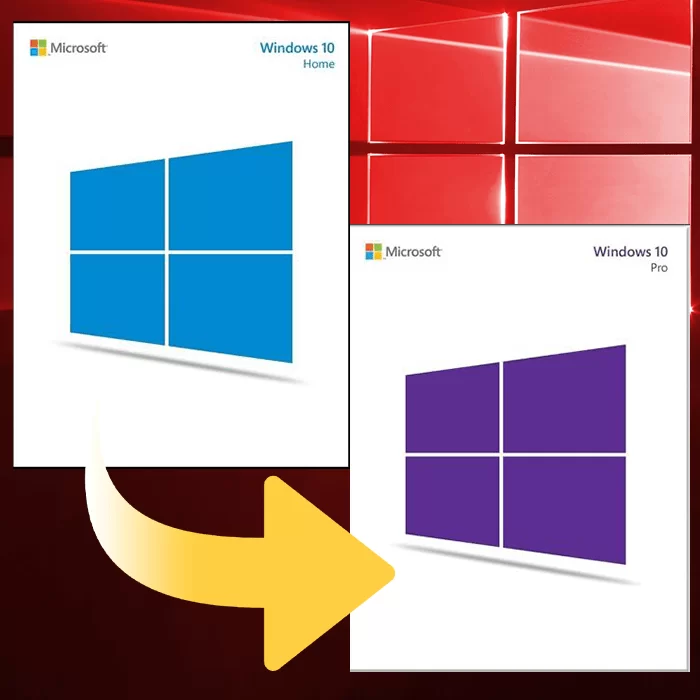
An Upgrade license is used when moving from one Windows edition or version to another. Examples include upgrading from Windows Home to Windows Pro or upgrading from an older Windows version to a newer Windows version.
Upgrade licenses are best for users who already have Windows installed and want to unlock a higher edition or move to a newer Windows version without starting from scratch when possible.
MAK License
A MAK license, or Multiple Activation Key, is used for activating multiple Windows installations. It is commonly used by businesses, organizations, IT teams, and professional deployment environments.
MAK licenses are best for business devices, multiple activations, IT-managed environments, organization-level installations, and professional deployment needs.
LTSC and LTSB Licenses
LTSC and LTSB licenses are designed for systems that need long-term stability and fewer feature changes. LTSC means Long-Term Servicing Channel, while LTSB is the older Long-Term Servicing Branch name used for earlier Windows versions.
LTSC and LTSB licenses are best for business-critical systems, industrial computers, medical devices, embedded systems, operational environments, and devices that should avoid frequent feature updates.
IoT Enterprise License
A Windows IoT Enterprise license is designed for dedicated devices and specialized hardware. It is commonly used for kiosks, terminals, digital signage, point-of-sale devices, industrial equipment, and embedded systems.
IoT Enterprise licenses are best for fixed-purpose devices, business hardware, specialized systems, and long-term commercial environments.
How to Choose the Right Windows Version
Choose Windows 11 if you want the newest Windows experience, modern security, a refreshed design, and long-term compatibility with newer PCs.
Choose Windows 10 if you need a stable and familiar operating system with broad compatibility for older software, professional tools, and business environments.
Choose Windows 8.1 if you need to activate or upgrade a legacy system that still depends on Windows 8.1 compatibility.
Choose Windows 7 if you need a license for older hardware, legacy software, repair work, testing, or offline systems that require Windows 7.
For most modern users, Windows 11 or Windows 10 will be the better choice. Windows 8.1 and Windows 7 should only be selected when there is a clear legacy, compatibility, or technical reason.
How to Download, Install & Activate Windows
Getting started with Windows is simple when you choose the right edition and license type.
- Choose the Windows edition that matches your device or use case.
- Complete your order and receive your Windows product key by email.
- Download Windows using Microsoft’s official installation tools or ISO options.
- Install Windows or upgrade your current edition.
- Enter your product key during setup or inside Windows activation settings.
- Complete activation and start using Windows.
Frequently Asked Questions